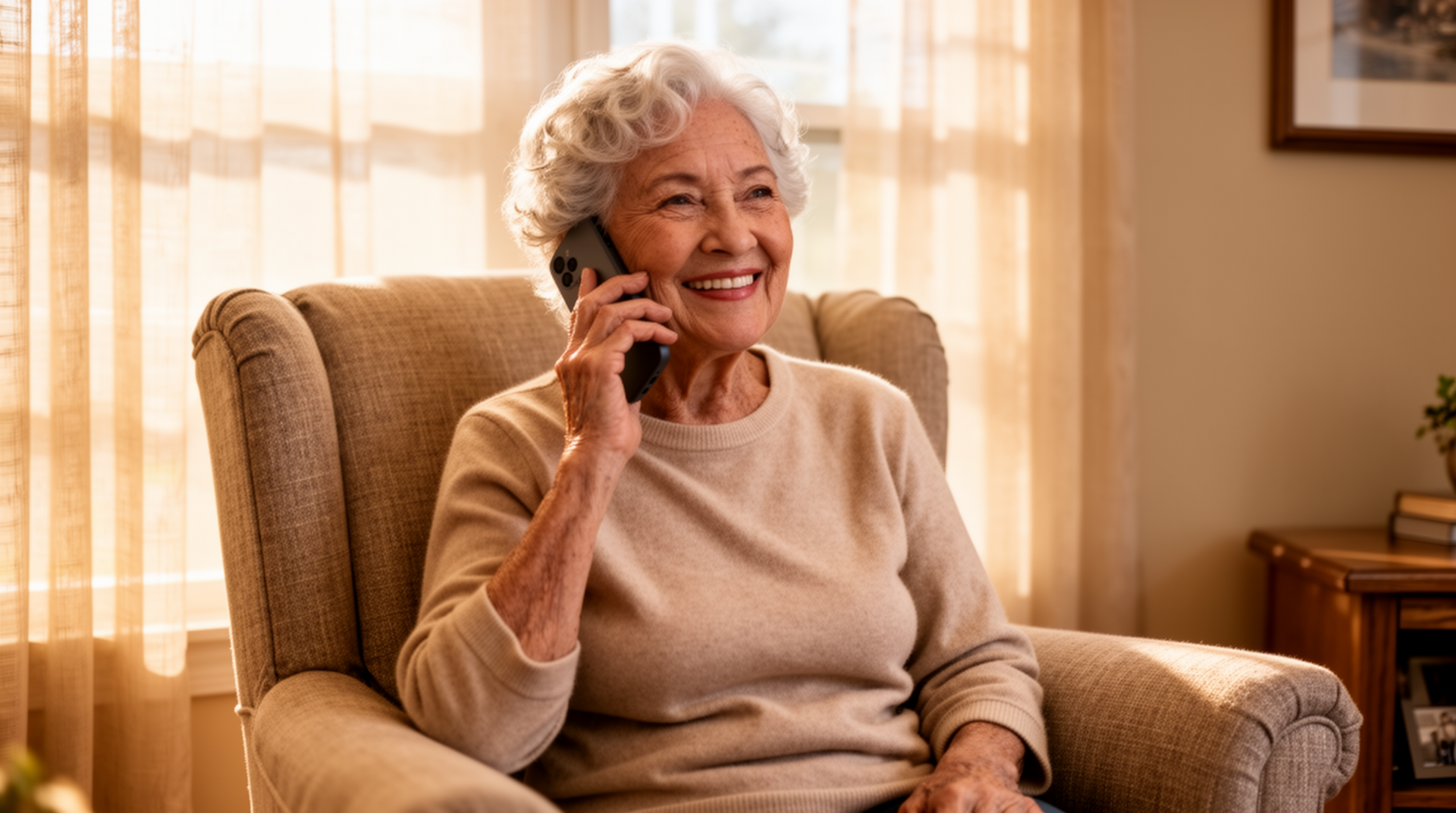
Secondary: simple phone app for elderly, large button phone app android
Intro
Making and receiving phone calls should not require reading tiny text or hunting through a long contacts list. For many older adults, the standard Android dialer gets in the way more than it helps. BIG Phone is a replacement dialer designed specifically as a big phone for seniors — built into the BIG Launcher suite for Android. It replaces the default phone app with large contact photos, big clearly labeled buttons, and a simplified call screen. No unnecessary menus, no cluttered history tabs. Just the contacts you care about and a straightforward way to reach them.
What Makes BIG Phone Different
Standard Android dialers are built for general use, which means they include features most seniors neither need nor want, while making the things they do need — like reading a contact name quickly or answering an incoming call — harder than it should be. BIG Phone takes a different approach.
1. Extra large contact photos and names
Each contact is displayed with a large photo and full name in a big, readable font. There is no need to squint at a small list or scroll through dozens of entries formatted for younger eyes. Recognizing who is calling — or who you are about to call — is immediate.
2. Simple answer and hang-up screen
When a call comes in, the screen shows a large green button to answer and a large red button to decline. Nothing else competes for attention. For seniors who sometimes struggle with standard swipe-to-answer gestures or confusing on-screen controls, this is a practical improvement.
3. Quick access favorites — 5 contacts on the home screen
The five most important contacts (family, doctor, neighbor, etc.) appear directly on the BIG Phone home screen. No searching, no scrolling. One tap to call.
4. Loud ringtone and screen flash
Incoming calls trigger both a loud ringtone and a full-screen flash, so the notification is hard to miss even in a noisy room or when the phone is not being watched closely. This is useful for seniors with mild hearing difficulties.
5. Block unknown numbers
BIG Phone can block calls from numbers not in the contacts list. This helps protect against nuisance calls and phone scams, which disproportionately target older adults. When blocking is enabled, only known, saved contacts can get through.
Bonus: Automatic retry on busy
If a call does not connect because the line is busy, BIG Phone can automatically retry. This removes the need to remember to call back and tap through the dialer again — particularly useful when calling medical offices or other frequently busy numbers.
BIG Phone vs Standard Android Dialer
| Feature | BIG Phone | Standard Android Dialer |
|---|---|---|
| Contact display size | Extra large photo + name | Small list, small text |
| Incoming call buttons | Large green / red buttons | Swipe gesture or small icons |
| Favourite contacts | 5 on home screen, one tap | Buried in starred contacts tab |
| Unknown number blocking | Built-in toggle | Requires third-party app or manual blocking |
How It Works
Setting up BIG Phone takes a few minutes and does not require technical knowledge.
Step 1 — Install BIG Launcher
BIG Phone is part of the BIG Launcher suite, available on Google Play. Download and install BIG Launcher on any Android phone. A 14-day trial is available (a payment card is required to start the trial).
Step 2 — Set BIG Launcher as the default home screen
During setup, Android will ask which launcher to use. Select BIG Launcher and set it as the default. The large-icon home screen replaces the standard Android home screen.
Step 3 — Open BIG Phone from the app drawer
BIG Phone appears as one of the core apps in BIG Launcher. Tap it to open.
Step 4 — Set BIG Phone as the default dialer
Android will prompt you to set BIG Phone as the default phone app. Confirm this, and it will replace the standard dialer for all incoming and outgoing calls.
Step 5 — Add your contacts and favorites
Import or add the contacts you use most often. Select up to five as favorites — they will appear on the BIG Phone home screen for immediate one-tap access.
Step 6 — Adjust ringtone and call settings
Set ringtone volume, enable screen flash for incoming calls, and turn on unknown number blocking if needed. That is the full setup.
From this point on, calls work the same way they always have — just with a much cleaner and more readable interface.
Who Is It For
BIG Phone is designed for seniors who find standard phone apps confusing or physically difficult to use, and for their family members who want to help set up a more practical solution.
The independent senior who wants fewer mistakes
Margaret is 74 and lives alone. She has no trouble making calls, but she occasionally dials the wrong person because the text in her contacts list is too small. With BIG Phone’s large photos and names, she picks the right contact every time.
The senior with hearing or vision challenges
Robert is 81 and has moderate hearing loss. He sometimes misses calls because the ringtone does not cut through background noise in his home. The loud ringtone combined with full-screen flash means he is far less likely to miss a call.
The adult child managing a parent’s phone
Sarah’s mother lives in another city. Sarah set up BIG Launcher and BIG Phone on her mother’s phone during a visit. She added five key contacts as favorites — herself, her brother, her doctor, and two neighbors — and enabled unknown number blocking. Her mother now makes and receives calls without confusion, and Sarah does not need to provide phone support every week.
BIG Phone as Part of BIG Suite
BIG Phone is one of five apps that make up the BIG Launcher suite. Each app replaces a standard Android function with a simpler, senior-focused version. Together they create a consistent, easy-to-use experience across the whole phone.
BIG Launcher — The home screen replacement. Large icons, clear labels, and a layout designed to reduce confusion. The foundation of the entire suite.
BIG SMS — A simplified messaging app with large text, easy contact selection, and a clear send button. Works alongside BIG Phone so that both calls and texts use the same simplified interface.
BIG Alarm — A straightforward alarm and reminder app. Large display, easy to set, easy to dismiss. Useful for medication reminders and appointments.
BIG Notifications — A flashing button on the home screen that lights up when a new message or missed call arrives. Seniors do not need to check multiple apps — one blinking button tells them something needs attention.
All five apps are included in a single purchase. BIG Launcher has been available for 15 years, has over 2 million users, and holds a 4.3-star rating on Google Play.
Try BIG Launcher for 14 Days
BIG Phone is included with BIG Launcher, available as a one-time purchase or a monthly subscription. You can try the full suite — including BIG Phone — free for 14 days.
If you are looking for a simple phone app for elderly relatives, or if you are a senior who wants a large button phone app for Android that actually works the way you think, BIG Launcher is worth trying. The 14-day trial gives you enough time to set it up properly and see whether it fits daily use.
Visit https://biglauncher.com to start your free 14-day trial.
