Find the active call screen again on Android
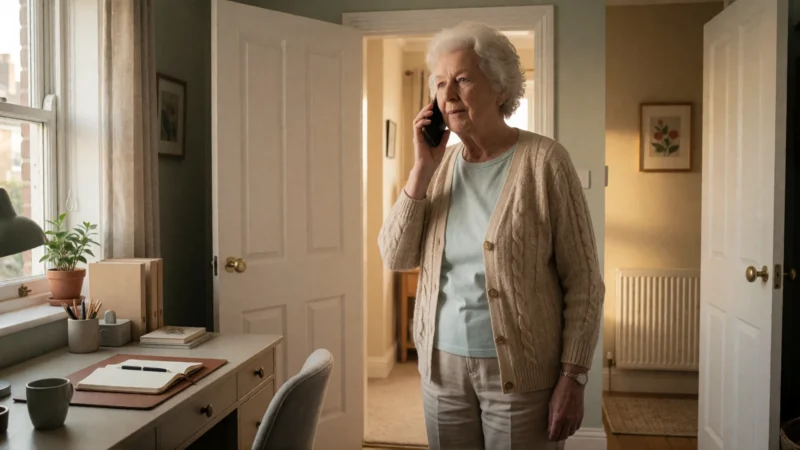
Use BIG Launcher’s Phone menu and Active phone call item to return to an ongoing BIG Phone call after leaving the call screen.
Tips, news, and guides for seniors and their families — making Android phones simpler.
Use BIG Launcher’s Phone menu and Active phone call item to return to an ongoing BIG Phone call after leaving the call screen.
Set BIG Phone to start calls on Speaker, then switch to the earpiece, Bluetooth, or a wired headset during the call.
Assign a contact photo, exact phone number, and short label to a BIG Launcher button while keeping confirmation before dialing.
Keep familiar Android home-screen icons in place with BIG Launcher. Choose button or swipe navigation, then protect the configuration in the full version.
Compare Pixel Simple View with a BIG Launcher home screen built around chosen contacts and apps, with optional password-protected configuration.
Compare BIG Launcher with the UK Doro Aurora A30: choose named buttons and protected configuration on your Android, or Doro’s physical controls and assistance.
Make incoming calls easier to find with BIG Phone’s large call screen. Choose the display mode, set the default phone app, and troubleshoot only if needed.
Compare Samsung Easy Mode and BIG Launcher for readability, layout protection, gestures, calls and texts. Find out when built-in Samsung options are enough.
Watch BIG Launcher video reviews and read expert tests and Google Play experiences, with source links, dates and practical setup advice.
A practical pass/fail handover runbook for families testing BIG Launcher, calls, messages, SOS, charging and readable alerts on a parent’s Android phone.
A practical guide to Android accessibility settings, BIG Launcher, TalkBack and readable notifications for people with low vision.
A clear decision guide for families and caregivers: choose the smallest useful Android change, test real tasks, and decide when a senior launcher or dedicated senior phone makes sense.